

In order to set up the integration we need two data points from your Tripletex, your CompanyID and an Employee Token. Here is how you can find that in Tripletex.
1. First of all, you need to have activated integrations in Tripletex. You may do that in Tripletex, as explained in the guide here.
2. Then, follow this guide to create a Employee Token ("API-brukernøkkel") for Morescope and save the token you get. Also make sure the access right are correctly set up, it should look something like the screenshot added under here.


3. In addition, you need the ID for your company. This is visible in the url when you are logged into Tripletex. the url is something like https://tripletex.no/page/dashboard?contextId=1234512345. Copy the number after contextId.
4. Click "Lagre"
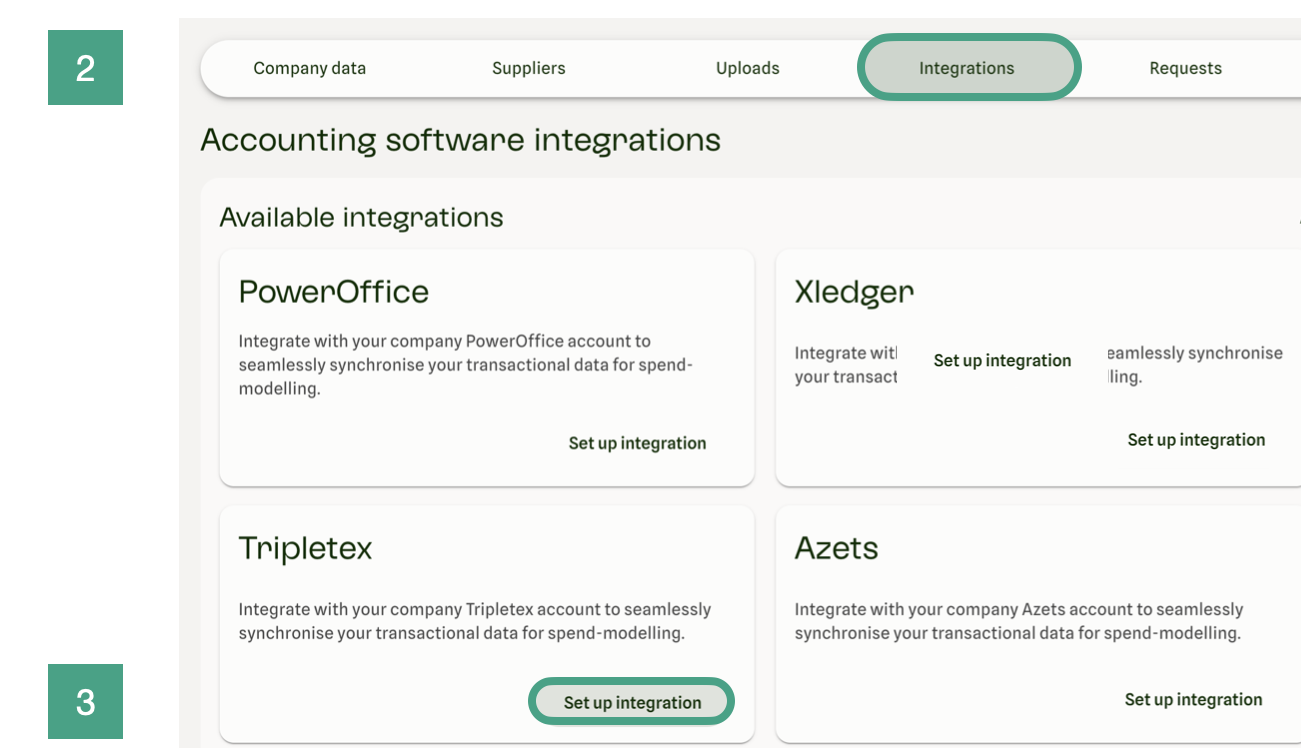
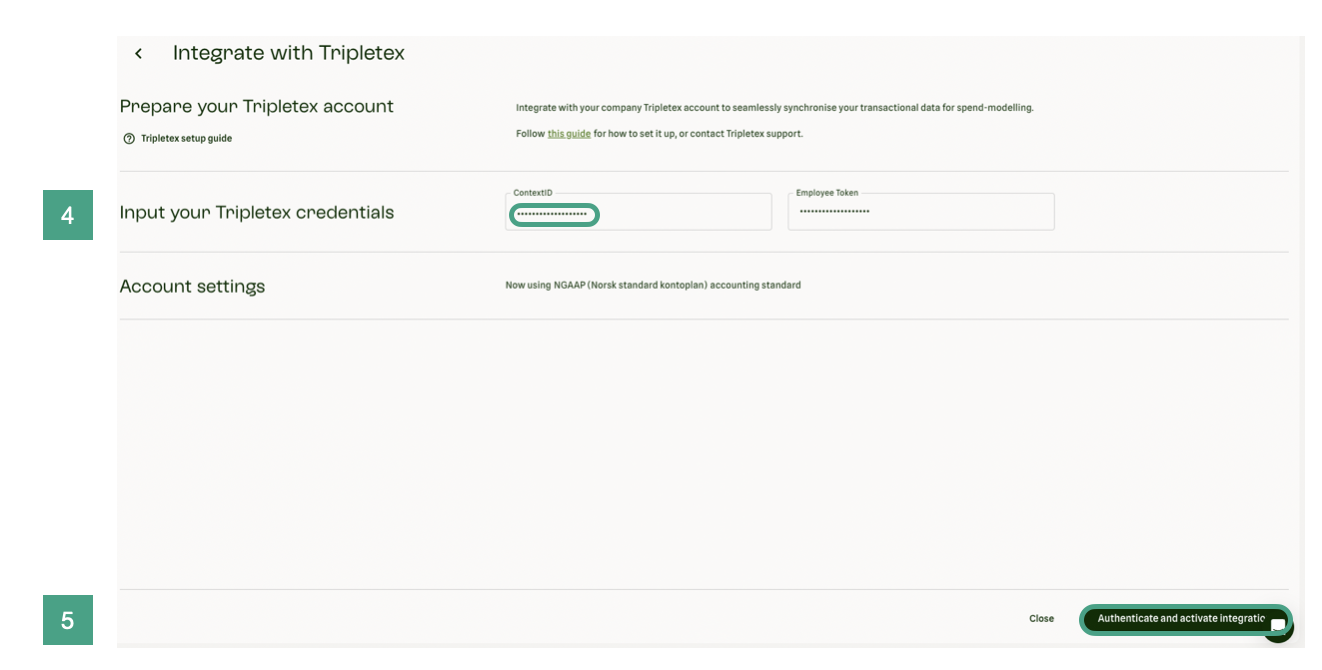
4.Insert your Tripletex “Employee Key” from step 1.2 and "contextID" for Step 1.3
5.Click “Authenticate and activate integration”
6./7. After clicking the button a check is made to see that the credentials given are correct. You should see a popup and the card saying “Authenticating credentials"
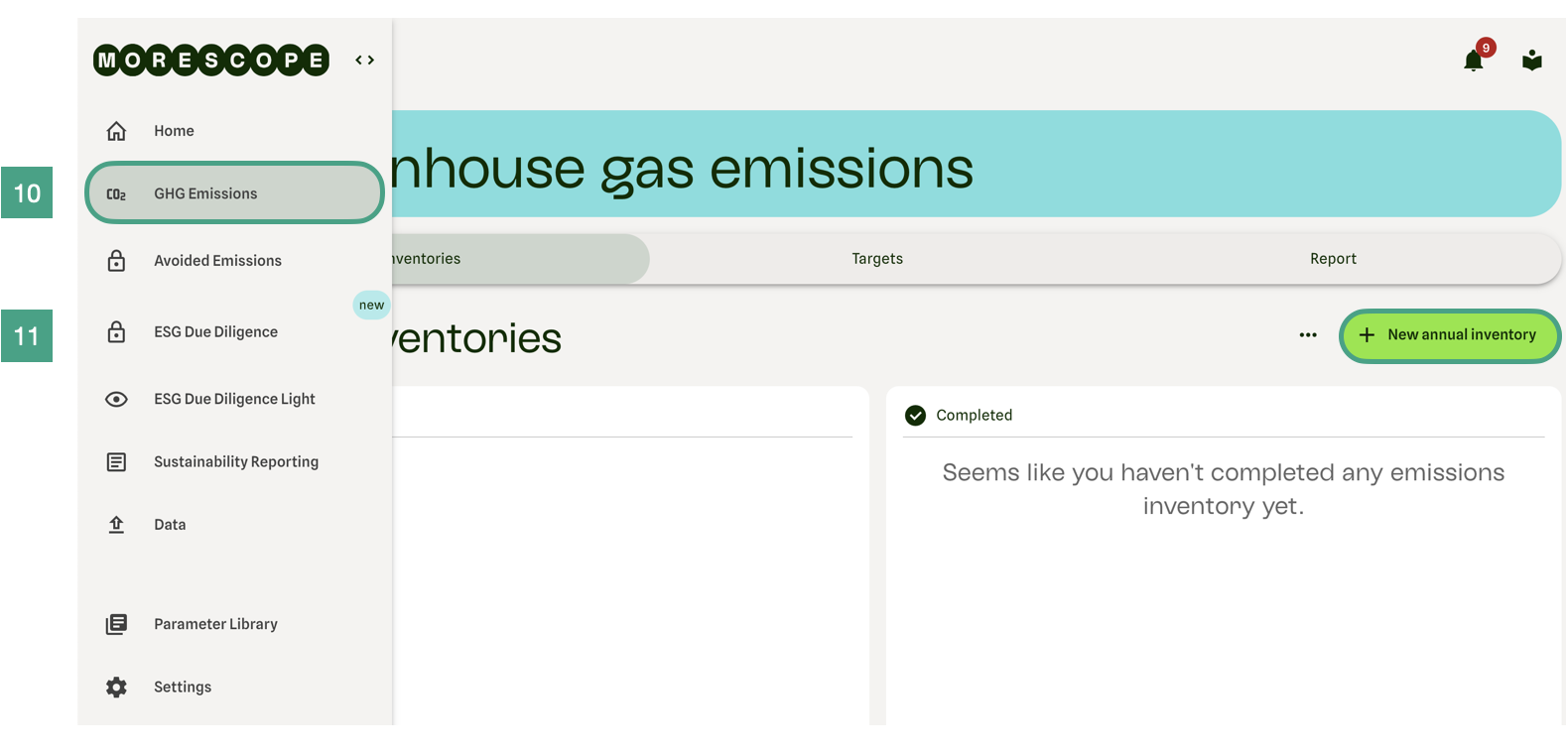
If you already created the inventory, skip steps 10 - 15
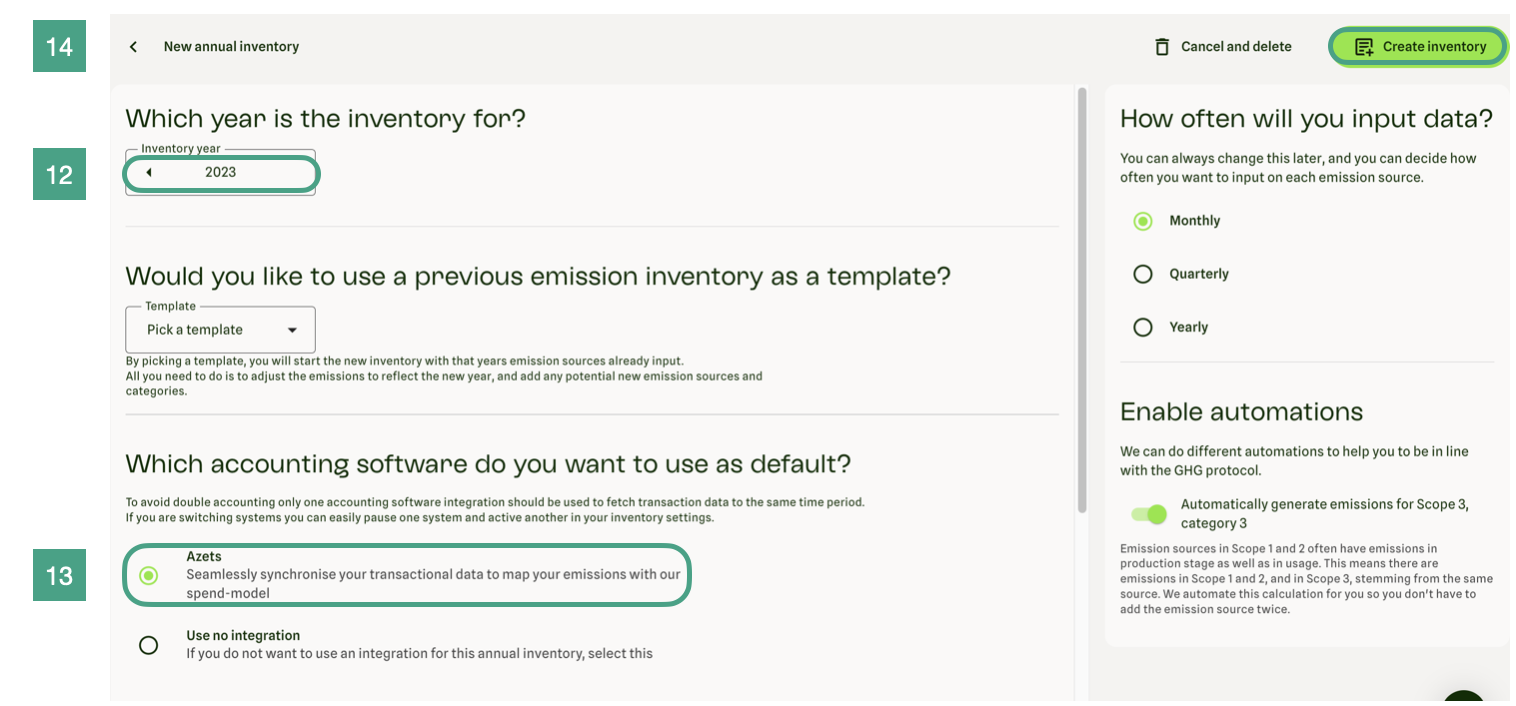
Congratulations. You are integrated!
If you have already followed steps 10 - 14 you can skip the rest of this guide.
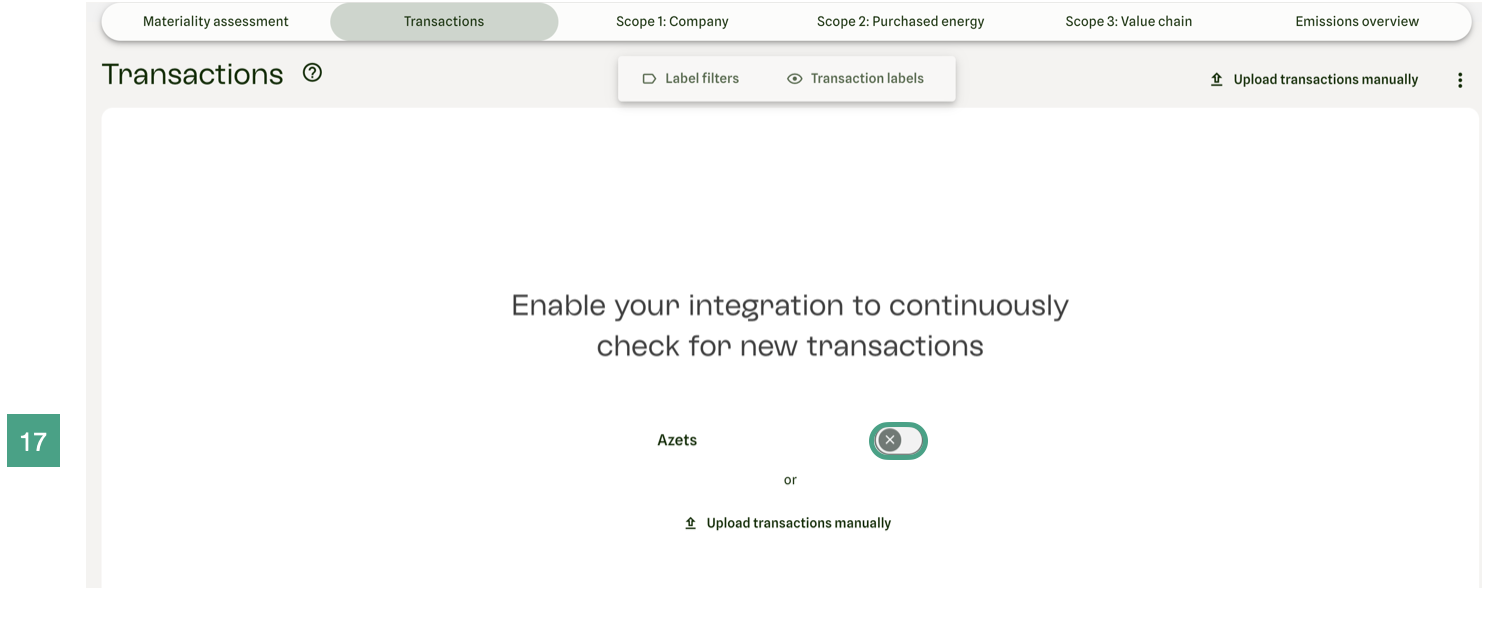
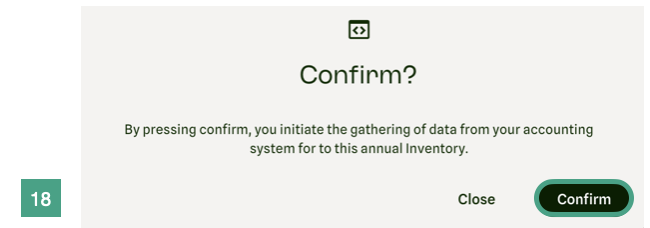
Congratulations. You are integrated!





%20(1).JPG)



%201.JPEG)


.png)


.png)


